- Swift code quality, on autopilot
SwiftLint: The Essential Tool for Writing Cleaner Swift Code
Most Swift projects don’t become difficult to maintain because of one major bug. They decline through hundreds of small shortcuts, force unwraps, unclear naming, growing functions, and inconsistent coding styles. SwiftLint helps developers catch these issues early and maintain high-quality Swift code with confidence.
The slow decline
Tiny shortcuts become accepted as normal
None of these issues seem serious in isolation. Together, they create codebases that become harder to understand, harder to review, and harder to maintain.
- A force unwrap slips into production code.
- A variable gets named a because everyone is in a hurry.
- A function grows from 20 lines to 200 lines, no time to refactor.
- A pull request receives the same formatting comments for the tenth time.
This is exactly the problem SwiftLint was designed to solve. Rather than relying on memory, documentation, or repeated review comments, developers receive immediate feedback directly within their workflow, encouraging consistency without slowing productivity.
What is SwiftLint?
A Swift linter for cleaner, more consistent code
A linter doesn’t determine whether your application logic is correct. Instead, it focuses on code quality concerns that are often repetitive, easy to overlook, and costly to enforce manually. SwiftLint integrates naturally into Xcode and modern development workflows, and has become one of the most widely adopted tools for enforcing Swift coding standards.
Rather than replacing developers, SwiftLint helps them focus on more valuable work.
SwiftLint examines your code and reports issues such as
- Unsafe force unwrapping
- Poor naming conventions
- Excessively long functions
- Formatting inconsistencies
- Violations of coding standards
- Maintainability concerns
Why code quality matters
The cost of "we'll fix it later"
Many teams think about code quality only after a project becomes difficult to maintain. Unfortunately, that’s usually too late. When code is consistent, developers spend less time understanding how something was written and more time understanding why.
Good code quality is not about perfection, it’s about reducing unnecessary friction throughout the software development lifecycle.
Longer onboarding times
Slower code reviews
Increased debugging effort
Reduced developer confidence
More frequent regressions
Greater technical debt
Why developers choose SwiftLint
Developers choose tools that solve
problems, not create them
Instead of reviewers repeatedly commenting on formatting, naming, or style violations, SwiftLint handles those checks automatically. The biggest benefit isn’t stricter enforcement, it’s consistency.
- Standardize coding practices
- Reduce repetitive review feedback
- Encourage safer coding patterns
- Improve project maintainability
- Support onboarding efforts
- Create more predictable development workflows
Real problems SwiftLint solves
From force unwraps to oversized functions
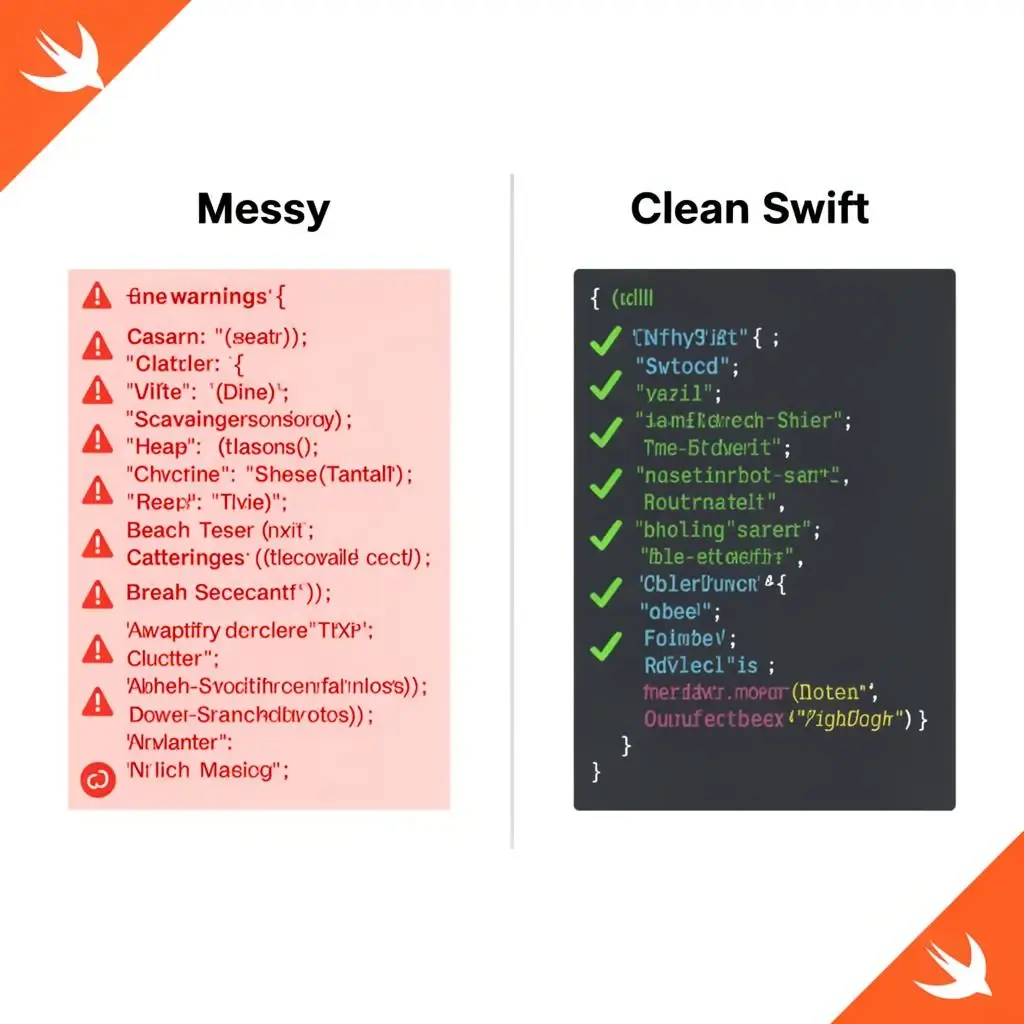
Force Unwrapping
One of the most common SwiftLint rules targets force unwrapping. This code works perfectly, until user becomes nil. At that point, the application crashes. SwiftLint identifies these patterns and encourages safer alternatives.
let user = data.user!
guard let user = data.user else { return }
Unclear Naming
This works, but it doesn't communicate intent. Clear names reduce confusion and improve maintainability.
let a = 10
let userAge = 10
Oversized Functions
What begins as a small helper method eventually handles validation, networking, transformation, logging, and error handling. SwiftLint flags functions that exceed configurable size limits, encouraging better separation of responsibilities.
Formatting Inconsistencies
Formatting differences rarely break software. They do, however, create visual noise. Consistent formatting helps teams focus on logic rather than presentation.
Powerful features
Built for real-world Swift development
Everything a Swift team needs to enforce style without the noise.
Automatic Code Analysis
Analyze Swift files and identify violations instantly.
Configurable Rules
Enable, disable, and customize rules according to project requirements.
Auto-Correction
Automatically fix many common style violations with swiftlint --fix.
Xcode Integration
Receive feedback directly within your development environment.
CI/CD Support
Extend quality checks into automated pipelines across providers.
Open Source
Use SwiftLint freely across personal and commercial projects.
Installation
Getting started with SwiftLint
is straightforward
$ swiftlint --fix
For most developers, this is enough to begin improving code quality immediately.
Xcode integration
Fits naturally into your existing Xcode workflow
One of SwiftLint’s strengths is how naturally it slots into Xcode. Add a Run Script Phase and SwiftLint runs automatically on every build, providing immediate, inline feedback to developers.
- Open your Xcode project.
- Select your target.
- Navigate to Build Phases.
- Add a new Run Script Phase.
- Insert a SwiftLint script.